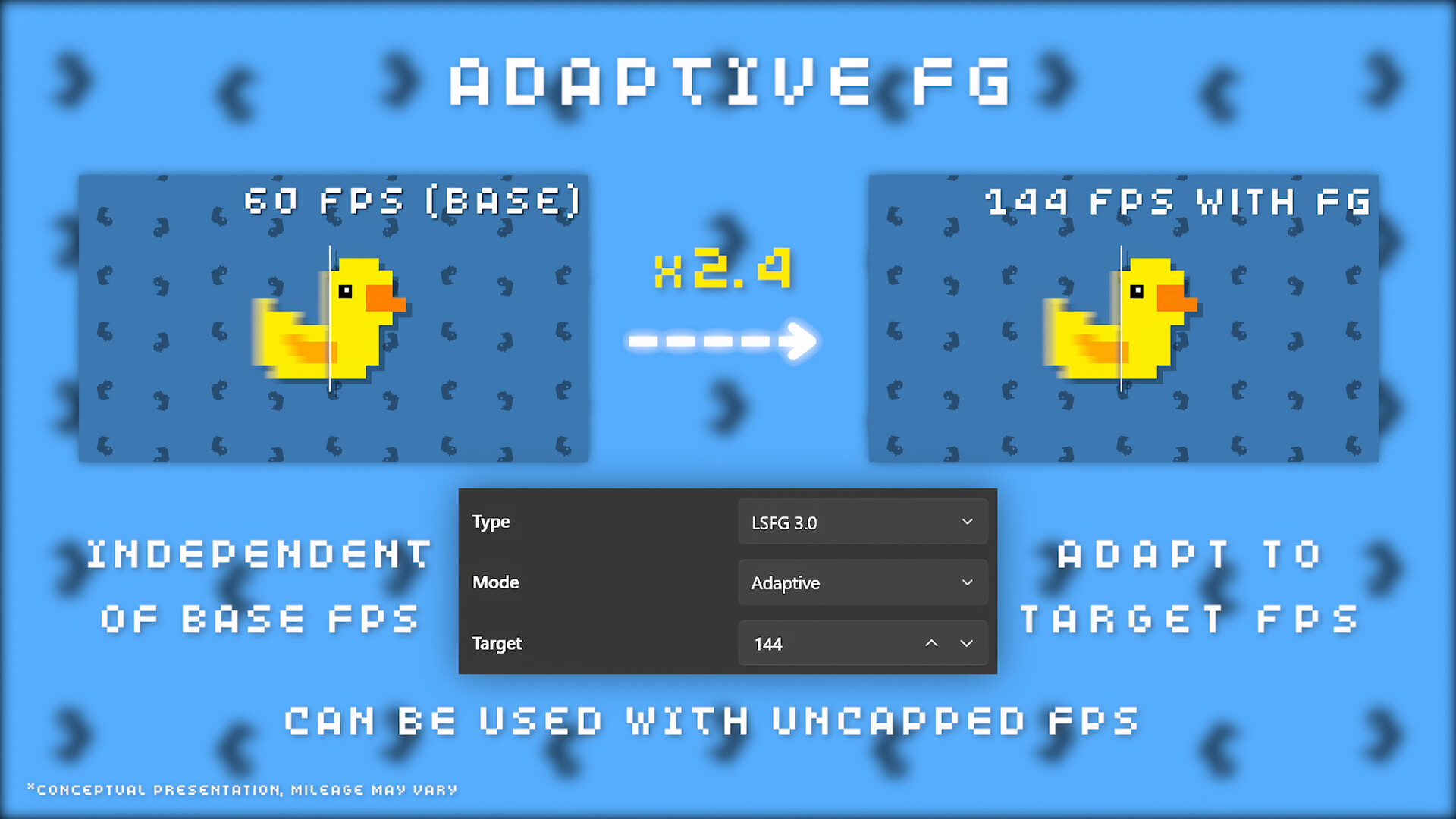
Unlocking the full potential of Lossless Scaling v3.2.2 requires more than just hitting the 'Scale' button. With the introduction of LSFG 3.1+, the software can now generate up to 4x the base frame rate. To achieve that buttery-smooth experience without the dreaded input lag, follow this high-authority technical guide.
Primary Performance Settings
The core of Lossless Scaling consists of the Scaling Type and the Frame Generation model. For the best visual fidelity and stability in v3.2.2, we recommend the following defaults:
| Setting | Recommended Value | Rationale |
|---|---|---|
| Scaling Type | LS1 / AMD FSR | LS1 offers the best clarity, while FSR is optimized for low-end GPUs. |
| Frame Generation | LSFG 3.1+ | Latest model with significantly reduced ghosting and superior UI detection. |
| Mode / Multiplier | X2 (Recommended) | Use X3 or X4 only on high-refresh monitors (144Hz+) with GPU headroom. |
| Capture API | WGC (Recommended) | Strongly recommended for Windows 11 24H2. Better overlay/flicker handling. |
| Performance Mode | Off / On (Low-End) | Reduces GPU workload significantly; primarily for weaker hardware. |
How to Eliminate Input Lag
Input lag is the #1 enemy of frame generation. In Build 19476814, several new sync modes have been introduced to combat this. Follow these rules for a responsive feel:
The "Headroom" Rule for Stability
To prevent screen freezing or stuttering, keep your generated FPS slightly below your monitor's maximum refresh rate. For example, if you have a 180Hz monitor, set a cap at 177 FPS. This gives the software "room to breathe" and ensures system stability.
GPU Usage Tip: Ensure your GPU usage stays below 95%. If it hits 100%, LSFG will stutter.
Advanced Features: VSync & Buffering
In the 'Advanced' tab of v3.2.2, you'll find the Buffering option. Setting this to Default using the DXGI API is generally the safest bet for most RTX and Radeon users. If you experience screen tearing, enable Vertical Sync within the Lossless Scaling app, not the game itself.
Testimonial from the Pro Community
"Switching to LSFG 2.1 with a 2x scale on my Steam Deck allowed me to play Cyberpunk at a stable 60FPS with better clarity than native FSR. The key was the 30fps game cap." - Pro Gamer 2026
Conclusion
Lossless Scaling v3.2.2 is an incredibly powerful tool when configured correctly. With LSFG 3.1+ and the WGC API, it stands as the ultimate competitor to DLSS 3. Start with the "X2" multiplier and the "LS1" scaler for the best results.
Download Lossless Scaling v3.2.2